Client Resource Hub
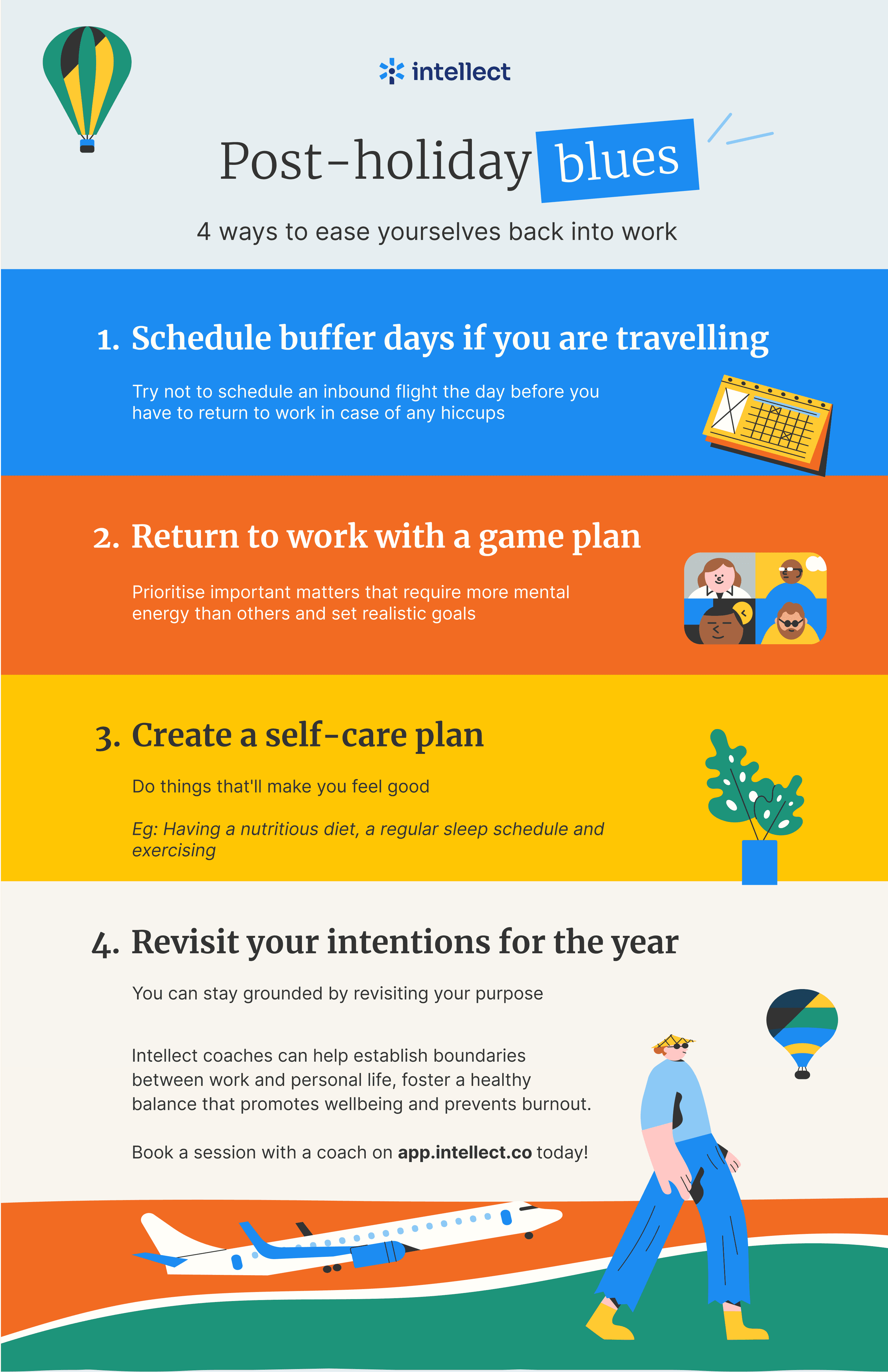
Instructions: Choose the language you prefer, right click the image then select “Save image as” to save the image.
Button 1
Button 2
Button 3
Button 4
Button 5
Button 6